
Lightbox
An image-focused modal overlay for zoomed preview and dynamic gallery capture.
API Reference
Original primitive API
Behavior, accessibility details, and low-level props are documented by Base UI.
Basic

import { Lightbox, LightboxImage, LightboxContent } from "moduix";const thumbnail = "https://images.unsplash.com/photo-1464822759023-fed622ff2c3b?auto=format&fit=crop&w=1200&q=80";const fullSize = "https://images.unsplash.com/photo-1464822759023-fed622ff2c3b?auto=format&fit=crop&w=2200&q=90";export function LightboxDemo() { return ( <Lightbox> <LightboxImage src={thumbnail} alt="Mountain ridge at sunset" className={styles.previewImage} /> <LightboxContent> <img src={fullSize} alt="Mountain ridge at sunset" className={styles.contentImage} /> </LightboxContent> </Lightbox> );}Full list of component variables available for project-level overrides.
| Property | Default | Description |
|---|---|---|
| --lightbox-backdrop-bg | var(--backdrop-bg, var(--color-overlay)) | Controls backdrop fill. |
| --lightbox-backdrop-transition | var(--transition-default) | Controls backdrop transition. |
| --lightbox-close-bg | var(--color-background) | Controls close button background. |
| --lightbox-close-bg-hover | var(--color-muted) | Controls close button hover background. |
| --lightbox-close-color | var(--color-foreground) | Controls close icon color. |
| --lightbox-close-color-hover | var(--color-foreground) | Controls close icon hover color. |
| --lightbox-close-icon-size | 0.875rem | Controls close icon size. |
| --lightbox-close-offset-right | var(--spacing-4) | Controls close button right offset. |
| --lightbox-close-offset-top | var(--spacing-4) | Controls close button top offset. |
| --lightbox-close-radius | var(--radius-sm) | Controls close button radius. |
| --lightbox-close-size | 2rem | Controls close button size. |
| --lightbox-focus-ring-color | var(--color-ring) | Controls focus ring color. |
| --lightbox-height | 80dvh | Controls the popup height limit. |
| --lightbox-image-enter-duration | 240ms | Controls image enter animation duration. |
| --lightbox-image-enter-scale | 0.9 | Controls image enter animation scale. |
| --lightbox-image-max-height | 80dvh | Controls max image height. |
| --lightbox-image-max-width | 80vw | Controls max image width. |
| --lightbox-image-radius | var(--radius-md) | Controls image corner radius in modal. |
| --lightbox-image-shadow | var(--shadow-lg) | Controls image shadow in modal. |
| --lightbox-max-height | 80dvh | Controls max popup height. |
| --lightbox-max-width | 80vw | Controls max popup width. |
| --lightbox-scale | 0.82 | Controls popup initial scale. |
| --lightbox-transition | 220ms ease | Controls popup transition. |
| --lightbox-viewport-padding | var(--spacing-4) | Controls viewport padding. |
| --lightbox-width | 80vw | Controls the popup width limit. |
Interactive variables scoped for docs preview without changing size scale tokens.
| Property | Value | Default | Description |
|---|---|---|---|
| --lightbox-backdrop-bg | var(--backdrop-bg, var(--color-overlay)) | Controls backdrop fill. | |
| --lightbox-close-bg | var(--color-background) | Controls close button background. | |
| --lightbox-height | 80dvh | Controls popup height. | |
| --lightbox-image-radius | var(--radius-md) | Controls image corner radius. | |
| --lightbox-width | 80vw | Controls popup width. |
Anatomy
Lightbox is composed from dialog primitives and keeps image-specific structure in one content slot.
LightboxContent renders internal service layers (portal, backdrop, viewport) and the visual
image frame with an optional close button.
Lightbox
├─ LightboxTrigger (optional)
│  └─ LightboxImage (optional helper)
└─ LightboxContent
   ├─ portal (service slot)
   │  ├─ backdrop (service slot, optional)
   │  └─ viewport (service slot)
   │     └─ popup
   │        └─ frame
   │           ├─ LightboxClose (optional)
│ └─ image content<Lightbox>
<LightboxImage src={thumbnail} alt="Preview image" />
<LightboxContent>
<img src={fullSize} alt="Preview image" />
</LightboxContent>
</Lightbox>| Part | Role |
|---|---|
Lightbox | Root state and behavior (open, defaultOpen, onOpenChange, modal, handle). |
LightboxTrigger | Opens the preview from any custom trigger composition. |
LightboxImage | Helper that wraps an image as a trigger and supports previewSrc mapping. |
LightboxContent | Modal content slot that owns portal, backdrop, viewport, popup, and frame. |
LightboxClose | Optional close control rendered in the frame area. |
LightboxGallery | Dynamic image capture mode for CMS-rendered or unknown image lists. |
Use className for the popup surface and classNames for service slots like backdrop and
viewport. Keep withBackdrop enabled in modal scenarios; disable it only for non-modal overlays.
Composition
Lightbox passes through dialog root behavior from Base UI. Use controlled state when external UI
needs to open or close previews. LightboxContent supports container, slotProps, and
classNames for service-slot customization, plus withBackdrop and withCloseButton for
high-level behavior.
LightboxGallery adds delegation-based capture for dynamic content. It listens for image clicks
inside rootRef or rootSelector and opens the preview with the clicked image source.
Examples
Dynamic Gallery Capture
Use LightboxGallery when page content comes from CMS or admin HTML and individual images cannot
be wrapped manually.

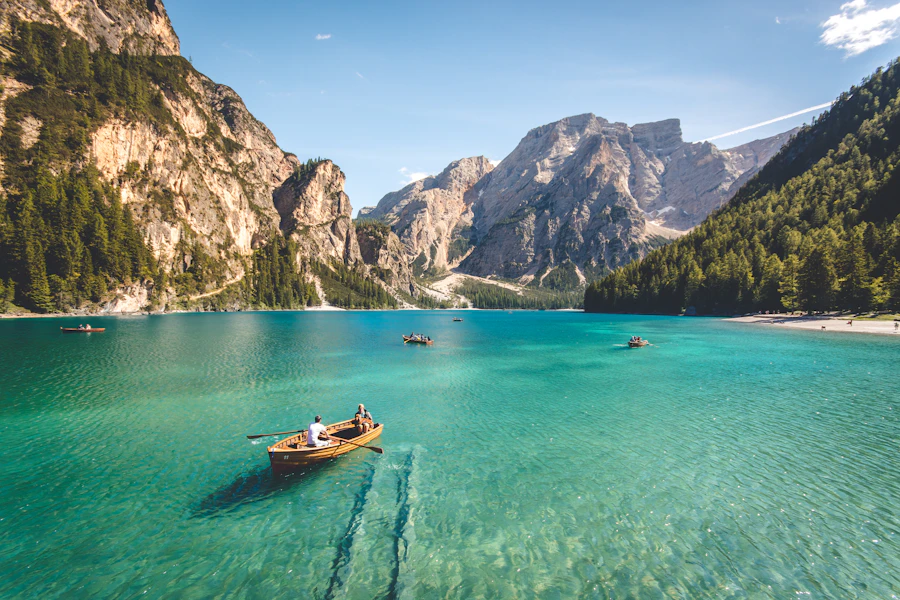
import { LightboxGallery } from "moduix";import { Fragment, useRef } from "react";export function DynamicGalleryDemo() { const rootRef = useRef<HTMLDivElement | null>(null); return ( <Fragment> <div ref={rootRef} className={styles.dynamicRoot}> <img src={images.mountain} alt="Mountain landscape" className={styles.dynamicImage} /> <img src={images.sea} alt="Sea at sunset" className={styles.dynamicImage} /> <img src={images.forest} alt="Forest and mountain road" className={styles.dynamicImage} /> </div> <LightboxGallery rootRef={rootRef} /> </Fragment> );}Customized Surface
Customize size limits, backdrop tone, and close button appearance with className, classNames,
and CSS variables.

import { CloseButton, Lightbox, LightboxImage, LightboxContent } from "moduix";export function CustomizedLightboxDemo() { return ( <Lightbox> <LightboxImage src={thumbnail} alt="Road through forest" className={styles.previewImage} /> <LightboxContent className={styles.customPopup} classNames={{ backdrop: styles.customBackdrop }} closeButton={<CloseButton aria-label="Close preview" className={styles.customClose} />} > <img src={fullSize} alt="Road through forest" className={styles.contentImage} /> </LightboxContent> </Lightbox> );}